
Running a cannabis cultivation operation often feels more chaotic than controlled. Tasks get missed, teams rely on scattered tools, and consistency across growth cycles becomes difficult to maintain.
As the industry grows, so does the need for structure. The Cannabis Industry Software Market size is projected to reach USD 9,962.94 million by 2031, signaling a clear shift toward technology-driven operations. Manual systems are no longer enough to keep up.
If you are struggling with visibility, coordination, or repeatability, you are not alone. Cannabis workflow management software is becoming essential for modern cultivators. In this article, we compare the top platforms, break down their features, and help you choose the right solution for your operation in 2026.
Brief breakdown:
- The top platforms in this space serve different needs. PlanaCan, Canix, Trym, Distru, and GrowFlow each focus on different areas, from workflow execution to analytics, compliance, and inventory management.
- The depth of workflow capabilities plays a critical role. Platforms that automate work and structure execution tend to deliver more consistent results than those focused only on visibility or reporting.
- Many tools are not built specifically for cultivation workflows. Several solutions support broader operations but lack the depth required to effectively manage and standardize growth cycles.
- The right set of features directly impacts performance. Strong schedule management, centralized communications, actionable analytics, and task tracking are essential for improving efficiency and consistency.
- Choosing the right system affects long-term scalability. A well-suited platform reduces complexity, improves execution, and supports smoother growth as operations expand.
Why Do Cultivators Need a Cannabis Workflow Management Software?
Cannabis workflow management software is designed to help cultivators plan, automate, and execute every stage of the grow cycle in a structured, repeatable way. Instead of relying on spreadsheets, whiteboards, or scattered tools, it centralizes tasks, schedules, and team coordination into one system.
Benefits include:
- Standardized Workflows: Turn SOPs into repeatable processes that ensure consistency across every growth cycle.
- Improved Task Execution: Assign, track, and monitor tasks in real time to reduce missed steps and delays.
- Better Labor Efficiency: Gain visibility into team performance and allocate resources more effectively.
- Centralized Communication: Keep all updates, alerts, and task-related discussions in one place.
- Data-Driven Decisions: Use historical data and insights to optimize yields and refine future cycles.
As more platforms enter the market, not all solutions deliver the same level of impact. Understanding what separates a strong system from an average one is critical. In the next section, we examine how the top tools are evaluated for this article.
Suggested Read: Emerging Trends and Solutions in Cannabis Technology
Criteria Used to Assess Cannabis Workflow Platforms
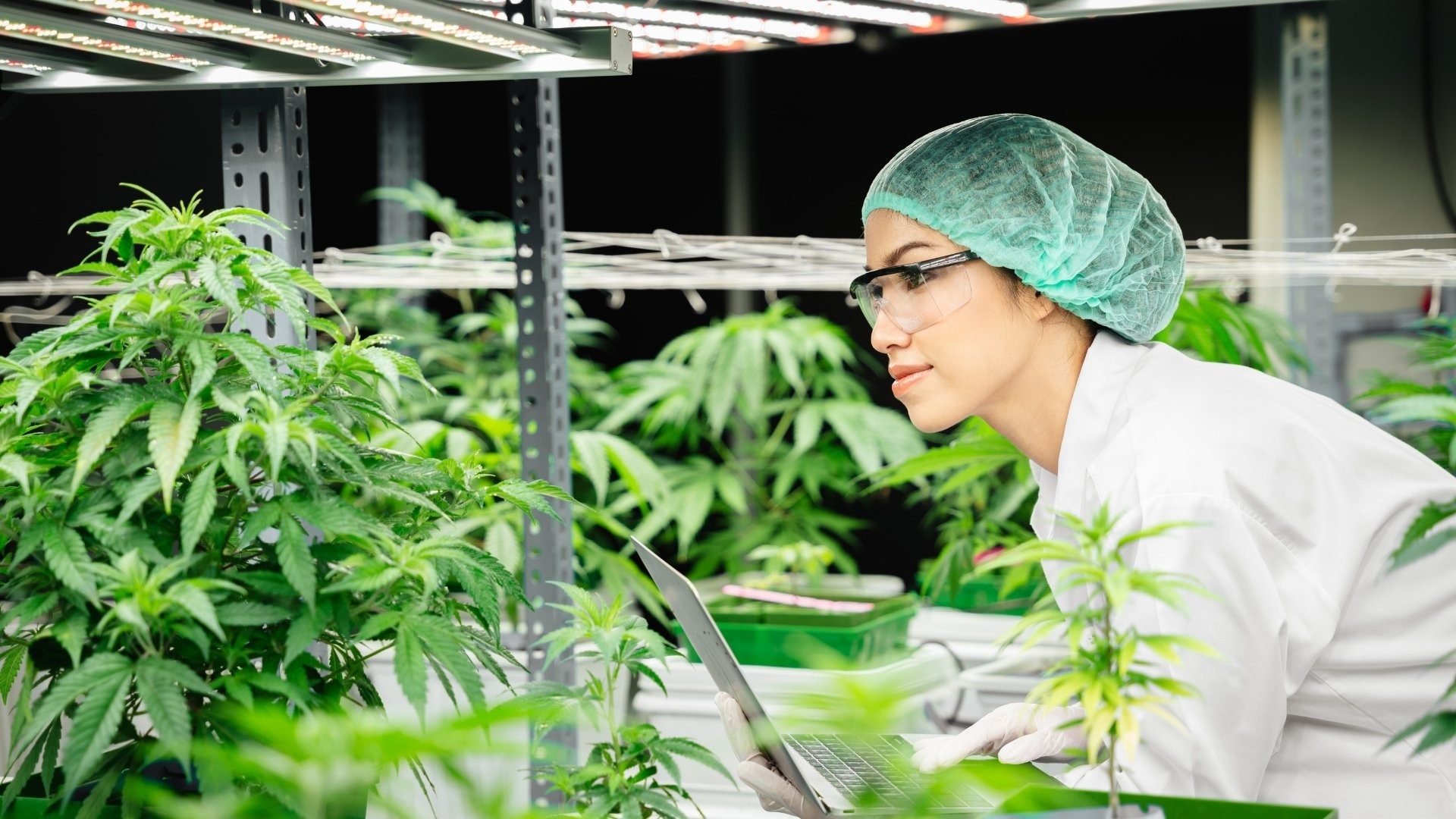
Cannabis workflow tools are not built with the same depth or focus. Some prioritize compliance, others lean toward inventory, while only a few are designed to truly optimize cultivation workflows. To identify the most effective platforms, it is important to evaluate how well they support real-world grow operations.
Key evaluation criteria include:
- Workflow Automation Depth: The ability to create, standardize, and automate SOP-driven tasks across the entire growth cycle.
- Cultivation-Specific Functionality: Features tailored to planting, treatments, harvesting, and multi-cycle planning.
- Ease of Use and Adoption: How quickly teams can onboard and use the platform without disrupting daily operations.
- Task and Labor Management: Visibility into task completion, team performance, and resource allocation.
- Scalability: The capability to support multiple rooms, facilities, or large-scale operations without complexity.
- Reporting and Insights: Access to actionable data that helps improve yield, efficiency, and decision-making.
Platforms that score well across these areas tend to deliver consistent, scalable cultivation. If the goal is to move from reactive operations to structured execution, choosing a platform built specifically for cultivation workflows matters.
PlanaCan is designed to bring planning, task management, and workflow automation into a single system tailored for growers. It helps teams standardize processes, improve visibility, and execute every growth cycle with greater consistency. Schedule a free demo today.
Comparison Table for Cannabis Workflow Management Software
With multiple platforms offering overlapping capabilities, a side-by-side comparison makes it easier to understand where each tool stands.
The table below highlights how the best solutions differ in terms of workflow depth, cultivation focus, and overall functionality.
While this table provides a quick snapshot, each platform’s strengths and limitations become clearer when explored in more detail in the next section.
Suggested Read: How to Become a Legal Cannabis Grower in the United States
5 Top Platforms That Simplify Cannabis Cultivation Workflows on a Large Scale
The right software should create structure, improve execution, and ensure consistency at scale. Below are five platforms that stand out for their ability to simplify and standardize cannabis cultivation workflows.
1. PlanaCan — Best for Cultivation Workflow Standardization at Scale

PlanaCan is a cultivation management platform built specifically to help growers plan, schedule, and execute their operations with precision. It replaces fragmented tools with a centralized system that brings structure, visibility, and consistency to every stage of the growth cycle.
What makes PlanaCan stand out is its focus on turning cultivation into a repeatable system. By combining workflow automation, scheduling, and real-time tracking, it allows teams to standardize processes, reduce errors, and continuously improve outcomes across multiple harvests.
Key Features:
- Workflow Automation: Automate work across every stage of the growth cycle using SOP-driven workflows that standardize execution. This reduces manual effort while ensuring consistent processes across treatments, tasks, and plant stages.
- Scheduling Tools: Plan cultivation timelines using an interactive calendar that provides a clear visual view of tasks, rooms, and harvest cycles. This strengthens schedule management by enabling real-time adjustments and better coordination across teams.
- Task Tracking: Assign and monitor tasks with full visibility into progress, ownership, and completion status. Built-in communications keep teams aligned, reducing missed steps and improving execution on the grow floor.
- Harvest Tracking: Track harvest performance across cycles with structured data tied to each stage of cultivation. These insights are powered by analytics that help refine processes and improve yield outcomes over time.
- Mobile Access: Access schedules, tasks, and updates through dedicated iOS and Android apps for on-the-go management. This enables real-time communications and faster decision-making directly from the cultivation floor.
Pros and Cons:
Who Is This For:
PlanaCan is built for cultivators at every stage, from small grows managing a single room to large multi-state operators running complex, multi-cycle operations. It is especially valuable for teams that want to replace manual systems with structured workflows and improve consistency across harvests. If the goal is to scale operations without increasing chaos, PlanaCan provides the base for standardizing, automating, and optimizing cultivation processes.
2. Canix — Best for Data-Driven Cultivation Management
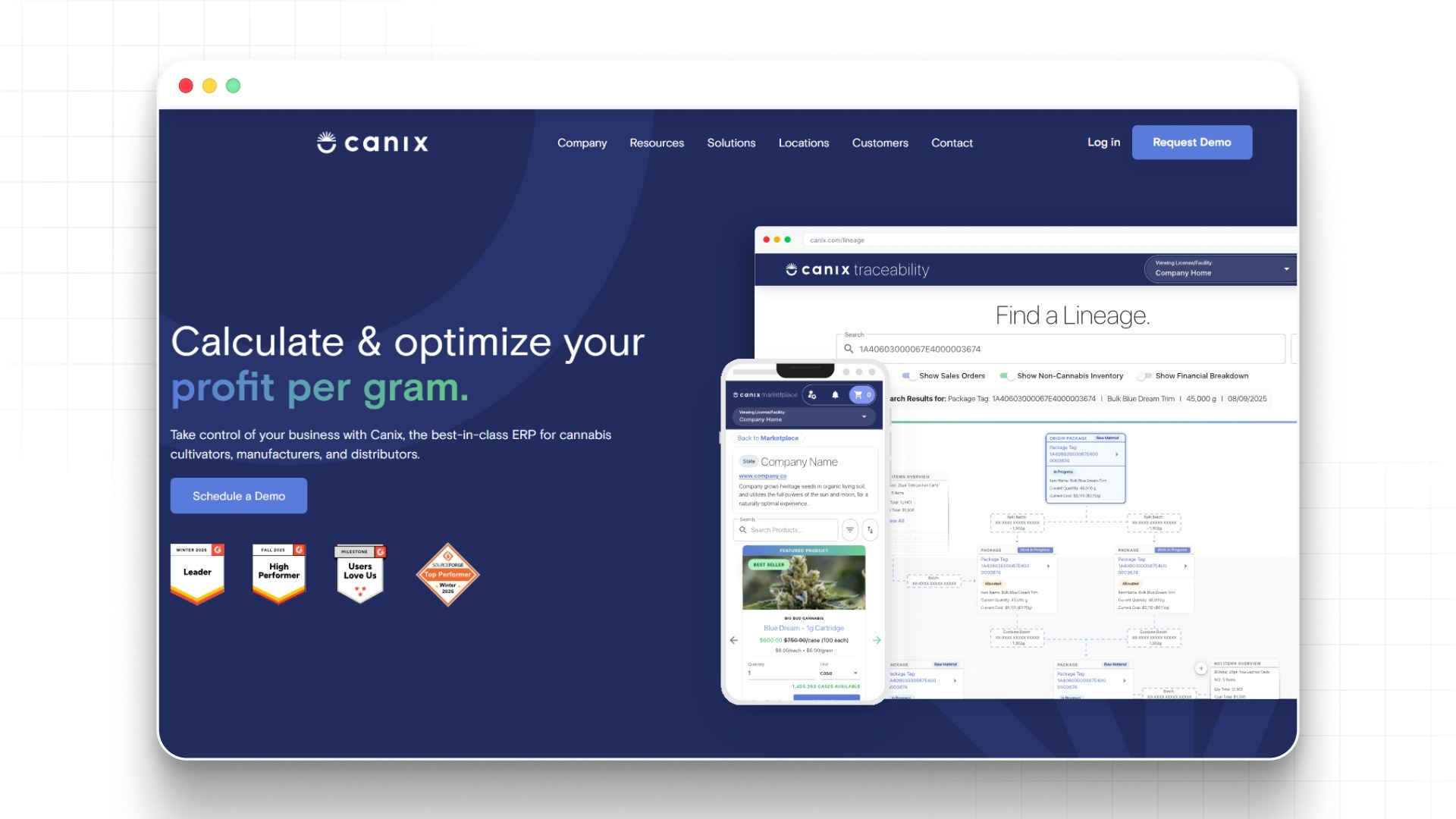
Canix is a cultivation management platform focused on providing real-time visibility into plant performance, yields, and operational costs. It combines workflow tracking with analytics, making it a strong fit for teams that rely heavily on data to guide decisions rather than structured workflow execution.
Key Features:
- Data Dashboards: Provides real-time dashboards that track plant performance, yields, and operational metrics. These analytics help growers make faster, more informed decisions across cycles.
- Yield Tracking: Monitors yield performance across strains, rooms, and harvests with detailed reporting. This supports better forecasting and continuous optimization.
- Workflow Tracking: Tracks tasks and activities across the cultivation cycle with basic workflow visibility. However, it focuses less on automating work, which can limit consistency across teams.
- Compliance Support: Integrates with compliance systems to ensure accurate reporting and traceability. This reduces manual data entry but adds complexity to daily operations.
- Cost Insights: Tracks operational costs tied to cultivation activities and outputs. These analytics help identify inefficiencies but require interpretation to drive action.
Pros and Cons:
Who Is This For:
Canix is best suited for commercial cultivators who already have structured processes in place and want to layer analytics on top. It works for teams comfortable managing operations through data rather than standardized workflows. However, operations struggling with execution gaps, missed tasks, or inconsistent processes may find that analytics alone do not solve core workflow challenges.
3. Trym — Best for Compliance-Focused Cultivation
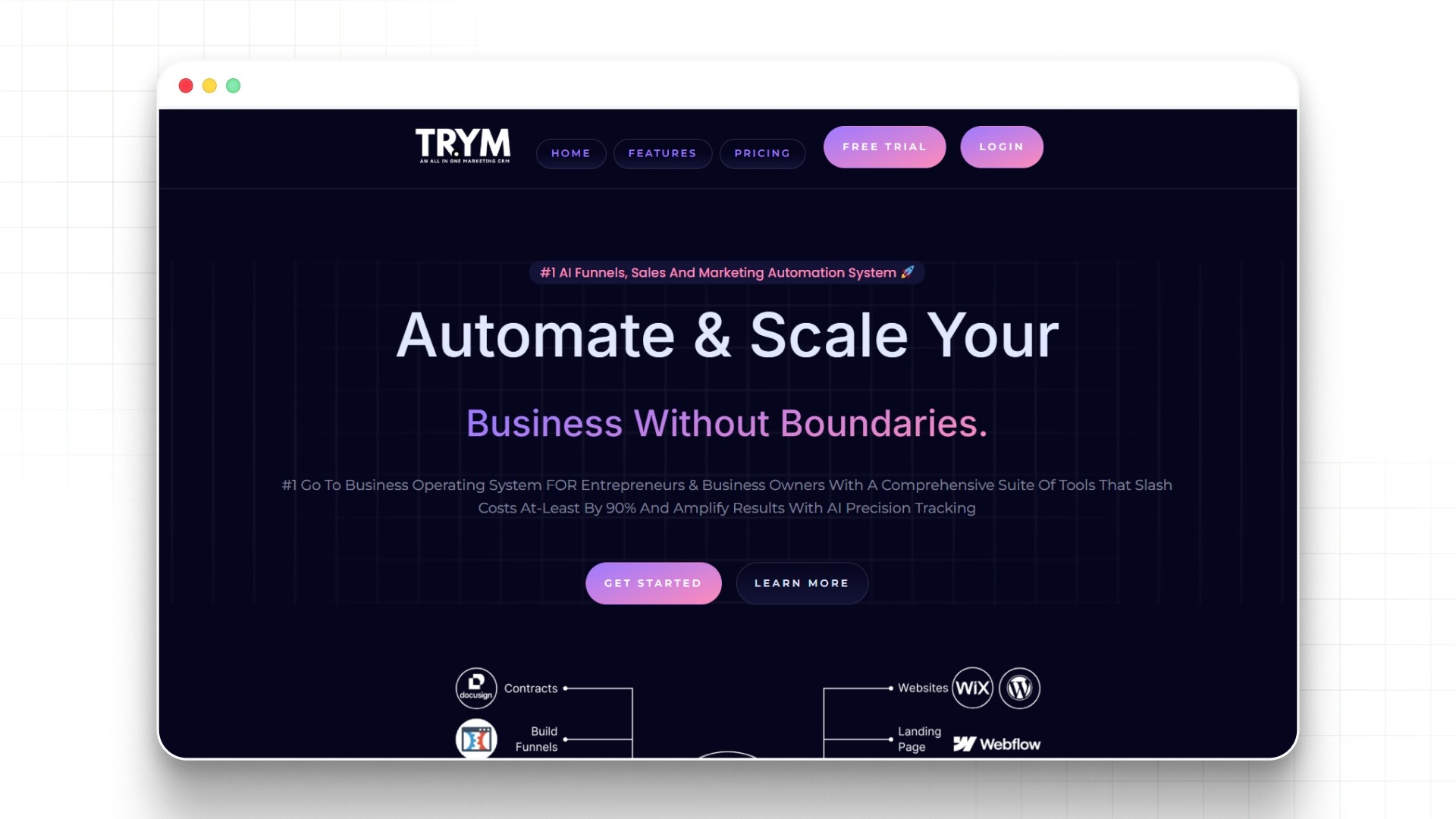
Trym is designed for cultivators operating in highly regulated environments where compliance, traceability, and environmental tracking are critical. It combines cultivation tracking with regulatory reporting, making it a strong option for teams prioritizing audit readiness over workflow optimization.
Key Features:
- Compliance Tracking: Tracks all cultivation activities with detailed logs to support regulatory reporting. This ensures audit readiness but adds operational overhead.
- Environmental Monitoring: Monitors environmental conditions such as temperature and humidity in real time. These insights help maintain plant health but require active management.
- Workflow Tracking: Provides visibility into cultivation activities across the grow cycle. However, it offers limited ability to automate work or standardize execution across teams.
- System Integrations: Integrates with regulatory systems to simplify compliance reporting. This reduces manual entry but increases system dependency.
- Data Logging: Captures detailed records of cultivation inputs and activities. These analytics support compliance but are less focused on improving operational efficiency.
Pros and Cons:
Who Is This For:
Trym is best suited for cultivators in tightly regulated markets where compliance is the primary concern. It works for teams that prioritize documentation and audit readiness over operational efficiency. However, growers looking to simplify execution, automate work, and improve consistency may find it lacks the structure needed for scalable workflows.
4. Distru — Best for Inventory and Operational Integration
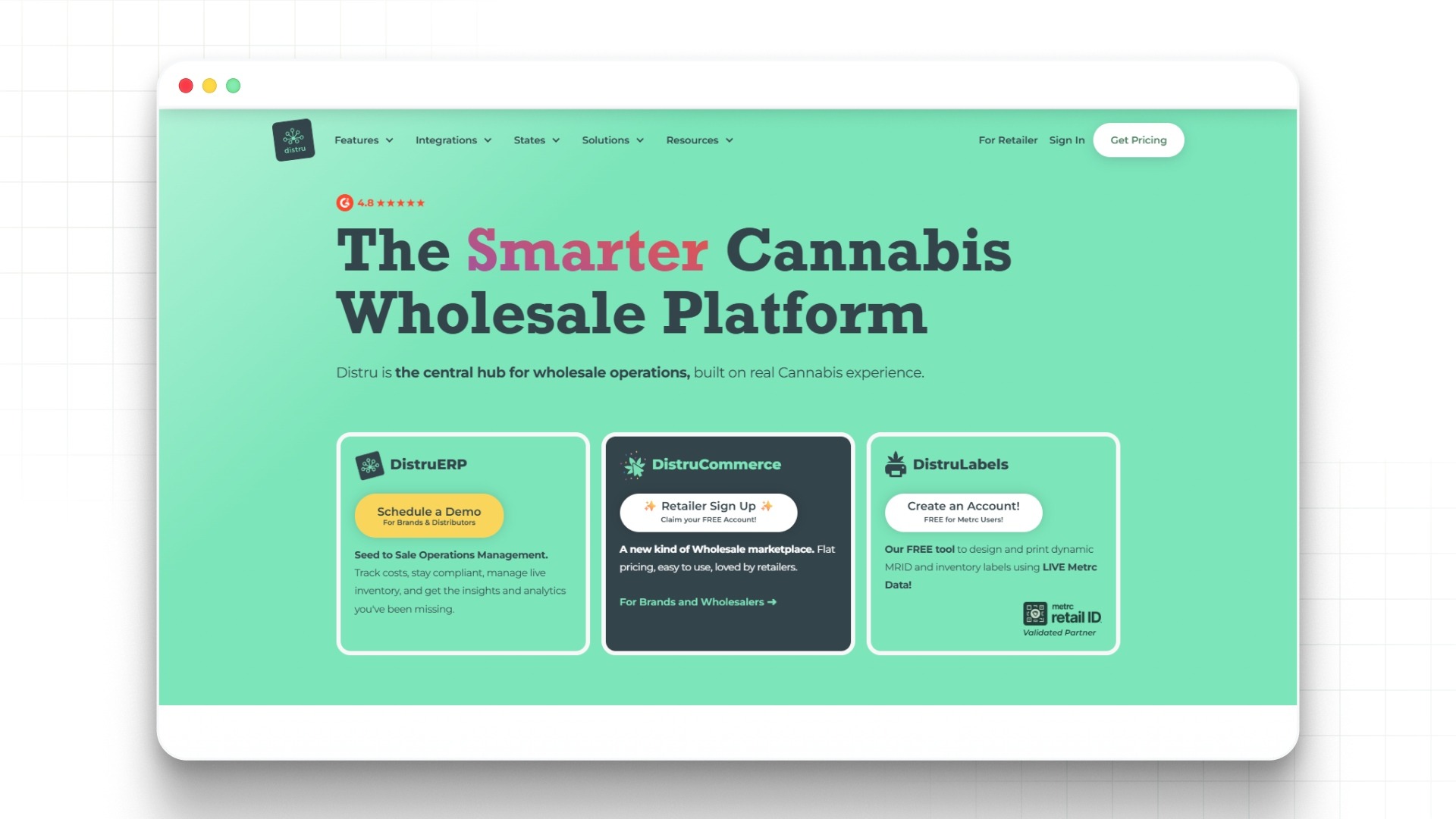
Distru is a cannabis business management platform that connects cultivation with inventory, distribution, and sales operations. It is designed for vertically integrated businesses that need visibility across the entire supply chain rather than deep cultivation workflow control.
Key Features:
- Inventory Management: Tracks inventory across cultivation, processing, and distribution stages. This improves visibility, but shifts focus away from core cultivation workflows.
- Order Management: Manages sales orders, fulfillment, and distribution processes. These analytics support business operations but are less relevant to daily growth activities.
- Workflow Tracking: Provides basic workflow visibility across operations. However, it does not deeply automate work within cultivation environments.
- Compliance Reporting: Supports regulatory reporting across inventory and sales. This helps maintain compliance but adds complexity to system usage.
- Operational Insights: Offers reporting across multiple business functions. These analytics provide a broad view but lack depth in cultivation-specific optimization.
Pros and Cons:
Who Is This For:
Distru is best suited for vertically integrated operators managing inventory, distribution, and sales alongside cultivation. It works for businesses that need broad operational visibility across functions. However, cultivators focused on improving execution, standardizing workflows, and managing grow cycles may find it lacks the depth needed for cultivation-specific optimization.
5. GrowFlow — Best for Operational Workflow and Compliance Balance
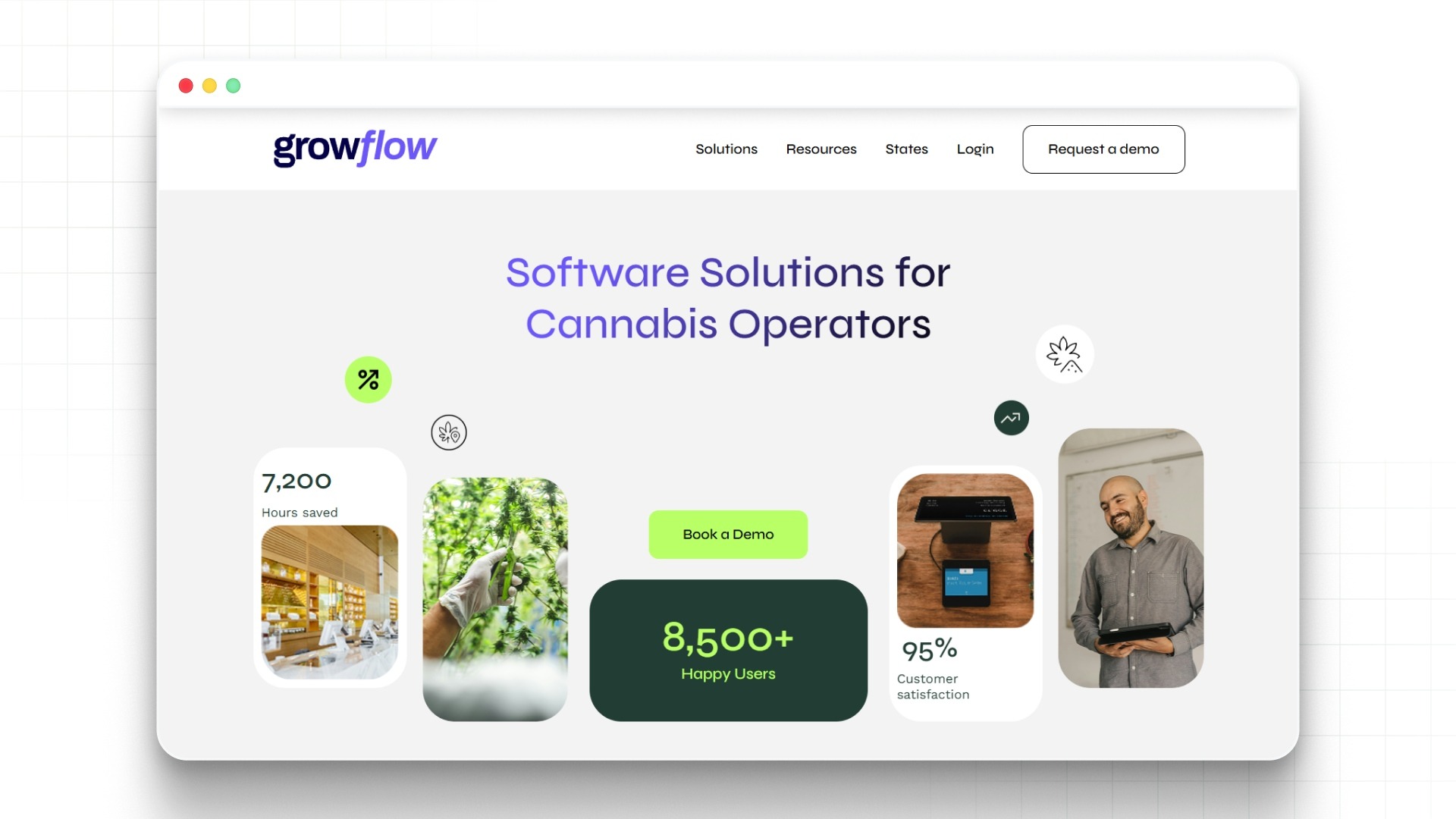
GrowFlow is a cannabis business management platform that combines cultivation workflows with compliance and inventory tracking. It is designed to help operators manage day-to-day activities while staying aligned with regulatory requirements.
Key Features:
- Workflow Tracking: Tracks cultivation and operational activities across the grow cycle with structured visibility. However, it offers limited automation compared to workflow-first platforms.
- Compliance Integration: Integrates directly with systems like METRC to simplify regulatory reporting. This reduces manual effort but adds dependency on external systems.
- Inventory Management: Manages plant tracking, inventory movement, and product lifecycle. These analytics support operations but shift focus away from workflow depth.
- Task Coordination: Assigns and monitors tasks across teams and facilities. Built-in communications help align teams but lack deeper SOP-driven execution.
- Reporting Tools: Provides reporting across cultivation, inventory, and compliance data. These analytics offer visibility but require interpretation to drive improvements.
Pros and Cons:
Who Is This For:
GrowFlow is best suited for operators who need a balance between compliance, inventory, and basic workflow tracking. It works well for teams managing regulatory requirements alongside operations. However, cultivators may find that it lacks the depth needed for true workflow management.
The next section shifts focus to the factors that actually influence day-to-day execution, helping you determine what matters most when selecting the right platform.
How to Choose the Right Software for Your Grow Operation

Choosing the right platform is less about checking off features and more about finding a system that fits how your cultivation operation actually runs. The goal is not just visibility, but consistent execution across every growth cycle.
You should consider the following:
- Workflow vs. Visibility: Some platforms focus on tracking data, while others help automate work and structure execution. If your operation struggles with consistency, workflow depth should take priority.
- Schedule Management Capabilities: Look for tools that offer strong schedule management with calendar-based planning for tasks, rooms, and harvests. This ensures better coordination and fewer missed steps.
- Ease of Adoption: The system should be intuitive enough for teams to use daily without slowing down operations. Complex tools often lead to poor adoption and inconsistent usage.
- Task Tracking and Communications: Real-time task tracking combined with centralized communications helps keep teams aligned. This reduces reliance on external tools and improves accountability.
- Analytics That Drive Action: Analytics should go beyond reporting and help improve decisions around yield, labor, and efficiency. The best platforms connect insights directly to operational improvements.
- Scalability for Growth: Choose software that can support multiple rooms, facilities, and overlapping cycles without added complexity. This becomes critical as operations expand.
Ultimately, the right system is one that not only fits your current setup but also supports how you want to scale. It should reduce complexity, improve consistency, and give your team the structure needed to execute every growth cycle with confidence.
Suggested Read: Cost of Growing Your Own Marijuana Indoors
The Verdict
Choosing the wrong software can create more problems than it solves. Without the right system, workflows remain inconsistent, tasks get missed, and scaling operations only increases complexity instead of improving efficiency.
PlanaCan stands out because it is built specifically to structure and automate cultivation workflows, not just track them. By combining schedule management, task execution, communications, and analytics in one platform, it helps growers create consistent, repeatable processes that scale.
If you are looking to bring order, visibility, and control to your grow operation, it starts with the right system. Schedule a free call today.
Frequently Asked Questions
1. How long does it take to implement cannabis workflow management software?
Implementation timelines vary based on operation size and complexity. Most teams can get started within days, while full adoption may take a few weeks.
2. Does cannabis workflow management software require technical expertise?
Most platforms are designed to be user-friendly and do not require advanced technical skills. Some initial setup and team training may still be needed.
3. Can these platforms integrate with compliance systems?
Many tools integrate with systems like METRC to support regulatory reporting. This helps reduce manual data entry and improve accuracy.
4. Is cannabis workflow management software customizable for different grows?
Yes, most solutions allow customization of workflows, tasks, and schedules. This ensures the system aligns with specific cultivation processes.
5. How secure are these cultivation management platforms?
Reputable providers use secure cloud infrastructure and data protection measures. This helps safeguard operational data and sensitive information.
6. Can teams use cannabis workflow management software on mobile devices?
Most platforms offer mobile access through apps or responsive dashboards. This allows teams to manage tasks and updates directly from the floor.
7. Do these tools support different cultivation methods?
Yes, many platforms support indoor, greenhouse, and outdoor cultivation. They can adapt to different operational setups and workflows.
8. How do these systems handle task prioritization?
They allow teams to assign deadlines, priorities, and dependencies to tasks. This ensures critical activities are completed on time.
9. Can these platforms help with forecasting and planning?
Some tools provide analytics and historical data to support forecasting. This helps plan future cycles and allocate resources more effectively.
10. Is cannabis workflow management software worth the investment?
While there is an upfront cost, the right system can reduce inefficiencies and improve consistency. Over time, this leads to better operational performance and returns.